Failed Transactions, Parimatch
failed transactions for parimatch: requirements, timings, costs and what to do when something goes wrong.
What Is a Failed Transaction on Parimatch?
A failed transaction on Parimatch occurs when a deposit or withdrawal is initiated but does not complete successfully, funds may be debited from your bank account while your Parimatch wallet receives no credit. On parimatch-india.com, this affects UPI payments via PhonePe, Google Pay, and BHIM, as well as Net Banking and card payments in Indian rupees. This is distinct from a simple payment decline: a declined payment is blocked before any money moves, whereas a failed transaction happens mid-process, leaving funds in a temporary hold state until the gateway reconciles the settlement.
Common triggers include UPI session time-outs, UPI requests expire after exactly 10 minutes, bank-side restrictions on gaming MCCs applied by HDFC and SBI credit cards, exceeded UPI daily limits of ₹1,00,000, expired OTPs during Net Banking authentication, and brief Parimatch payment gateway outages. Identifying which trigger caused your failure lets you resolve it without raising a support ticket.
How Failed Transactions Work on Parimatch
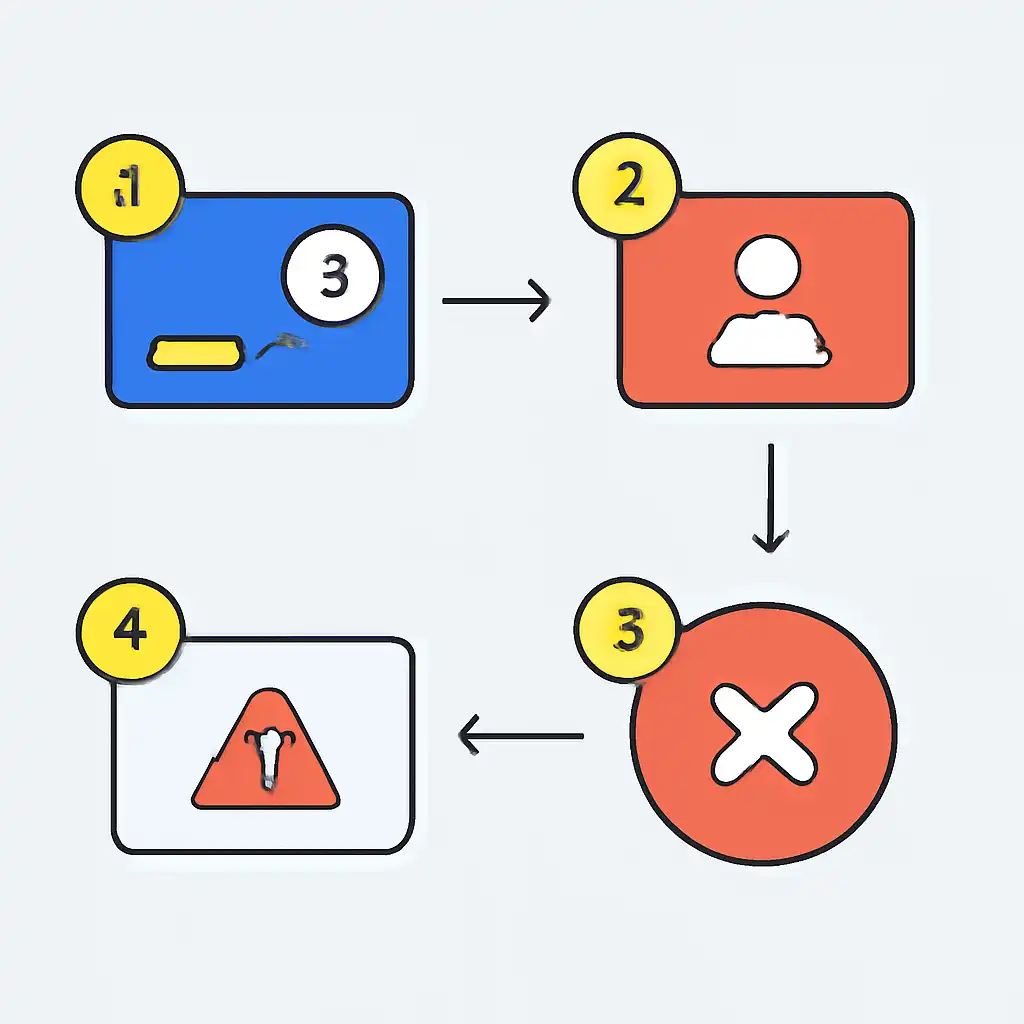
Every Parimatch payment follows a four-step lifecycle: initiation in the cashier, bank authorisation, gateway confirmation, and wallet credit. A failure can occur at any stage after your bank ring-fences the funds. When the gateway never receives a success signal, because of a time-out, network drop, or mid-process error, it triggers an automatic reversal request sent back to your bank. Your money is not lost; it sits in a pending state until the gateway and the bank complete their reconciliation run, which usually happens overnight.
Reversal timelines vary by method. UPI transfers through PhonePe, Google Pay, or BHIM are reversed fastest, within 2 to 5 business days. Net Banking refunds take 5 to 7 business days depending on your issuing bank's settlement cycle. Debit and credit card refunds can take up to 7 to 10 business days to appear on your statement. Every failed attempt is recorded in My Account → Transaction History with a unique Transaction ID, note this reference before contacting Parimatch live support, as it cuts investigation time significantly.
Failed Transactions on Mobile
Mobile-specific behaviour accounts for a large share of Parimatch transaction failures in India. Switching apps mid-payment, for example, jumping from the Parimatch site to PhonePe or Google Pay and back, can break the redirect session, leaving the payment in a permanent pending state. A brief 4G signal drop during OTP authentication is equally disruptive, causing the step to time out before confirmation reaches the gateway. Battery-saver mode is a less obvious culprit; it kills background processes that carry the redirect URL signalling a successful transaction.
Use Chrome or the dedicated Parimatch app rather than in-app browsers opened from WhatsApp or Instagram links, since these browsers often block the payment confirmation redirect entirely. Keep your screen active throughout and disable battery optimisation for your browser before depositing. If a UPI intent link fails in Google Pay or PhonePe, switch to the UPI QR code displayed in the Parimatch cashier, this bypasses the intent-link redirect and completes the payment without a browser handoff.