Password Reset, Parimatch
password reset for parimatch players in India, how it works, what it costs and how long it takes.
What is Password Reset?
The Parimatch password reset feature lets registered players on parimatch-india.com regain account access when login credentials are forgotten or a lockout occurs. Your balance, active bets, and bonus funds stay fully intact throughout the recovery process, no data is lost when you reset your Parimatch password.
Password reset is available to every verified Parimatch India account holder, whether you signed up via email address or Indian mobile number (+91). The flow is entirely self-service and completes in under five minutes when your registered contact details are accessible, no support ticket is required for a standard credential reset.
Common reasons to use Parimatch password reset include forgetting your current password, being temporarily locked out after multiple failed login attempts, or suspecting that your credentials have been compromised and needing an immediate forced change.
How Password Reset Works
To start a Parimatch password reset, visit parimatch-india.com, click Log In, then select Forgot Password? beneath the password field. On the recovery screen, choose your verification method, email or SMS: and enter the contact detail linked to your account.
For email resets, a secure link arrives within two to five minutes; click it before the 15-minute expiry window closes. For SMS resets, a 6-digit OTP is delivered to your +91 number within 60 seconds and must be entered before a 5-minute countdown expires. Once verified, you land on a "Create New Password" form requiring at least eight characters, one uppercase letter, one number, and one special character such as @ or !.
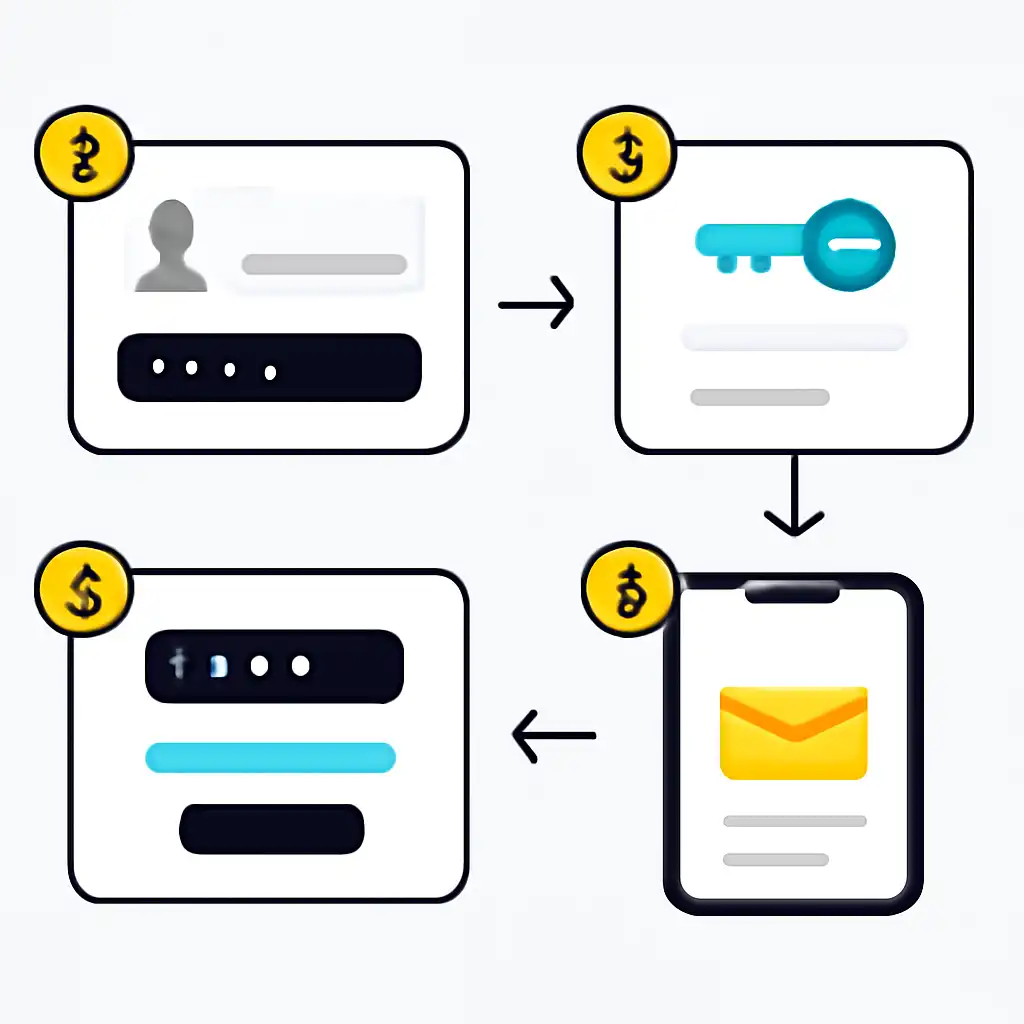
After saving, return to the Parimatch login screen, enter your registered email or mobile number with the new password, and you are back inside your account. For added protection after any reset, enable two-factor authentication under Account Settings → Security.
Password Reset Common Questions
What if the reset email never arrives? Check your spam or junk folder first, since automated messages from parimatch-india.com are occasionally filtered. If the email is still missing after five minutes, return to the Forgot Password screen and request a fresh link, each new request invalidates the previous one. Confirm the address you enter matches exactly what you used at registration.
What if your registered mobile number has changed? If you no longer have access to the phone on file, SMS-based recovery will not work. Contact Parimatch India support via live chat, provide your account verification documents, and the support team will update your contact details before assisting with the reset manually.
Does resetting your password log out other devices? Yes, a completed Parimatch password reset automatically terminates all active sessions across every device, including saved browser sessions and the Parimatch app. You will need to log back in on each device using your new credentials.