Account Locked, Parimatch
How account locked works for parimatch, UPI details, realistic timings and the pitfalls to avoid.
What Is Account Locked on Parimatch?
A locked Parimatch account means your access to login, betting, deposits, and withdrawals has been temporarily or permanently suspended by the platform. Unlike a simple password mistake, an account lock is a deliberate security or compliance action on parimatch-india.com that requires a specific resolution step before normal activity resumes.
Parimatch locks accounts for several distinct reasons: five or more consecutive failed login attempts trigger an automatic brute-force protection lock; expired or rejected KYC documents, Aadhaar card, PAN card, or passport scans, cause a verification hold; logins from an unrecognised device or city flag a security review; and chargebacks raised through PhonePe, GPay, or BHIM against a deposit trigger an administrative freeze pending investigation.
A locked account is not a permanent ban. Most locks, especially login-attempt locks and KYC holds, are fully reversible within 15 minutes to 48 hours once you complete the correct steps outlined below. A self-exclusion lock, by contrast, is intentional and lasts the duration you selected at the time of the request.
Account Locked Step by Step
Start by visiting parimatch-india.com and attempting to log in. The error message displayed tells you the lock type: "Too many login attempts, try again in 30 minutes" resolves automatically, while "Account under review" or "Verification required" needs manual action. Screenshot the exact message before proceeding, support agents use this to prioritise your ticket.
For a KYC lock, navigate to My Account → Verification and re-upload clear, colour scans of your Aadhaar (front and back) alongside your PAN card. Each file must be under 5 MB and in JPG or PDF format. Blurry or cropped images are the single most common rejection reason, photograph documents in natural light and ensure all four corners are fully visible. Resubmitted documents are reviewed within 24 hours on business days.
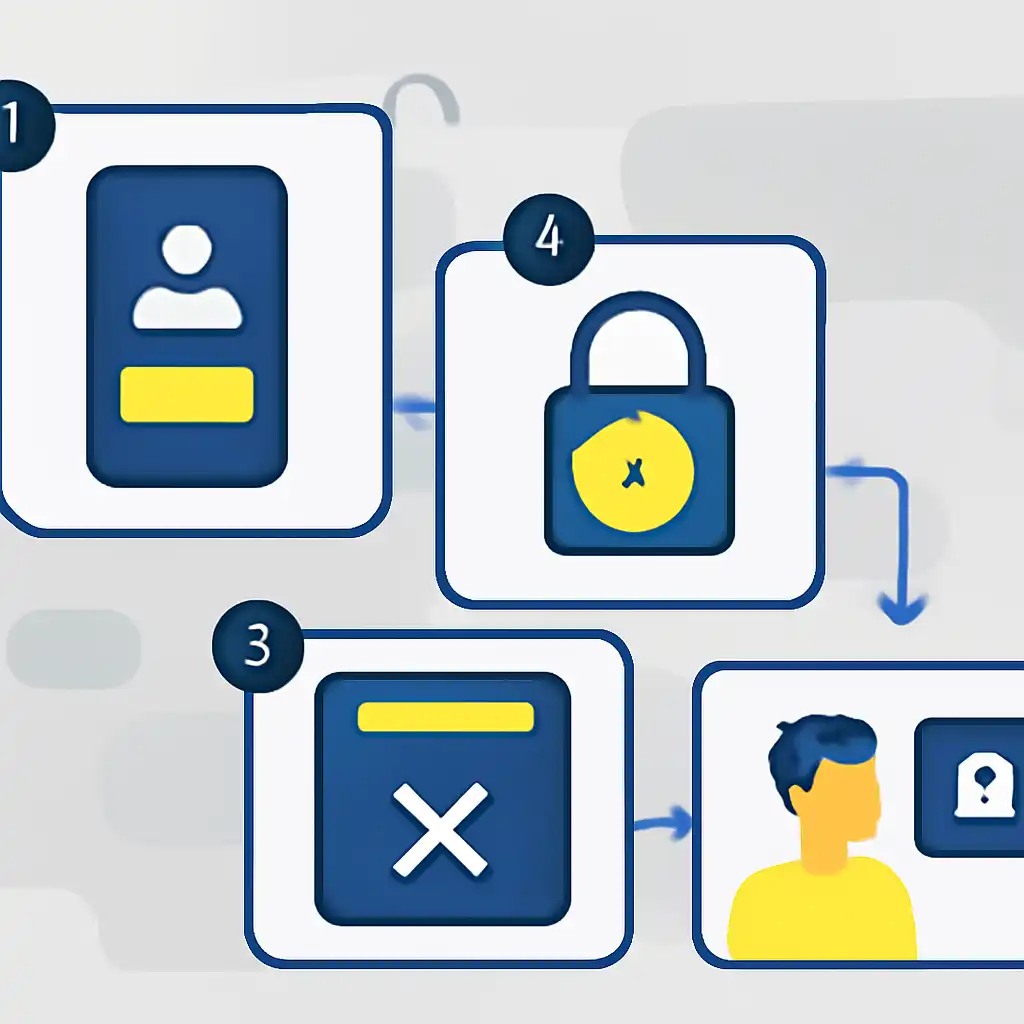
For payment-related or security locks, open the Parimatch live chat widget (bottom-right corner of the site) or email [email protected]. Include your registered Indian mobile number, the last four digits of your PhonePe or GPay account, and the screenshot of the lock message. Parimatch support operates 24/7 and typically resolves unlock requests within 2 to 4 hours during business hours and up to 12 hours overnight.
Account Locked on Mobile
If your Parimatch account is locked while using the Android APK or iOS app, the process differs slightly from desktop. Tap Forgot Password on the login screen, this clears a soft login-attempt lock faster than waiting for the automatic 30-minute timer. Enter your registered Indian mobile number and complete the OTP verification sent via SMS to restore access immediately in most cases.
If the app shows a hard lock screen with no login option, uninstall and reinstall the latest Parimatch APK directly from parimatch-india.com/app: cached session tokens can occasionally extend a temporary lock beyond its intended window. After reinstalling, avoid repeated login attempts; instead, use the in-app "Need help?" link visible on the lock screen, which connects to live chat without requiring an active session.